Disclosure: As an Amazon Associate, CardWise earns from qualifying purchases at no additional cost to you. This does not affect our recommendations.
Apple Pay vs Google Pay — How Each Secures Your Card
Both wallets let you tap your phone to pay. Both replace your real card number with a token. Both require biometric authentication. But the architecture underneath is different, and those differences matter for enterprise IT, payment security engineers, and anyone who wants to understand where their payment keys actually live.
Architecture Comparison
| Dimension | Apple Pay | Google Pay |
|---|---|---|
| Secure Chip | Secure Enclave (SEP) | Titan M2 (in Tensor G5) |
| Token Model | Device Account Number (DAN) | Virtual PAN (token) |
| Token Binding | Bound to SEP hardware UID (immutable) | Cloud-linked (Google can revoke remotely) |
| Card Emulation | Apple Pay wallet only (no HCE) | HCE + Google Pay wallet |
| Third-party card apps | Not allowed (must use Apple Pay) | Allowed via HCE API |
| Power Reserve NFC | Yes (Express Cards work with dead battery) | No (NFC dies with battery) |
| Transit Express Mode | Yes (Suica, SmarTrip, TfL, OMNY) | Limited (requires screen on) |
| Token Revocation | Apple Pay server + user action | Google can push revocation OTA via MDM |
| Provisioning | Apple Pay server + issuing bank → SEP | Google Pay server + issuing bank → Titan M2 |
Tokenization: Device-Bound vs Cloud-Linked
Apple Pay: Device Account Number (DAN)
When you add a card to Apple Pay, the Apple Pay server contacts your issuing bank. The bank provisions a Device Account Number — a tokenized version of your card number — and sends it to the Secure Enclave. The DAN is bound to the SEP's hardware UID, a unique identifier burned into the chip at manufacturing. The DAN cannot be cloned to another phone because the binding key is physically tied to that specific SEP.
Apple Pay Tokenization:
  Real PAN → Apple Pay Server → Issuing Bank
  Bank provisions DAN → SEP (bound to hardware UID)
  Payment: NFC transmits DAN + dynamic cryptogram
  Cryptogram signed by SEP key (never leaves SEP)
  Bank verifies cryptogram → approves/declines
Google Pay: Virtual PAN (Token)
Google Pay also tokenizes your card number, but the token is cloud-linked. Google can remotely disable the token over the air, which is useful for fraud response. The token is stored in the Titan M2 chip's hardware-backed keystore, but the cloud linkage means the token has a network dependency that Apple's DAN does not.
Google Pay Tokenization:
  Real PAN → Google Pay Server → Issuing Bank
  Bank provisions virtual PAN (token) → Titan M2
  Token is cloud-linked (Google can revoke OTA)
  Payment: HCE transmits token + dynamic cryptogram
  Cryptogram signed by hardware-backed key
Bank verifies → approves/declinesHCE: Android's Hidden Advantage
Android's Host Card Emulation (HCE) API lets any app declare itself as an NFC card emulator. This means third-party apps can create virtual access cards, loyalty cards, or transit cards that work at NFC terminals without going through Google Pay. iOS does not allow this — all NFC card emulation on iPhone goes through Apple Pay's wallet, and Apple must individually whitelist each card issuer.
For enterprise access control, this is significant. An Android phone can run a company-issued smart card app that communicates directly with HID or Lenel readers via HCE. On iPhone, the same access card must be provisioned through Apple Pay, which requires Apple's approval and the issuer's integration with the Apple Pay ecosystem.
Power Reserve: The Commuter's Killer Feature
| Feature | Apple Pay | Google Pay |
|---|---|---|
| NFC works with dead battery | Yes — Express Cards active for ~5 hours | No — NFC dies with battery |
| Transit gate without Face ID | Yes (Express Mode) | No (screen must be on) |
| Supported transit systems | Suica, SmarTrip, TfL, OMNY, Clipper | Google Pay transit (varies by city) |
When to Choose Apple Pay
✔ Apple Pay is the stronger choice if…
- You commute via NFC transit. Power Reserve Express Cards means you are never stranded with a dead phone at a subway gate.
- You want maximum payment key isolation. The SEP-bound DAN is the strongest hardware-binding model in consumer payments. The key literally cannot be extracted or cloned.
- You use digital car keys. Apple's UWB-based passive entry (CCC 3.0) works with BMW, Hyundai, Kia, and Genesis 2024+ models for pocket-free unlocking.
- You prefer a closed, curated security model. Apple controls the entire stack from silicon to app store, reducing attack surface. No third-party app can access the NFC card emulation path.
 iPhone 17 Pro — From $999. Secure Enclave 4th gen, Apple Pay with DAN, Power Reserve Express Cards, UWB 2nd gen, dual active eSIM.
— Check Price on Amazon
iPhone 17 Pro — From $999. Secure Enclave 4th gen, Apple Pay with DAN, Power Reserve Express Cards, UWB 2nd gen, dual active eSIM.
— Check Price on Amazon
When to Choose Google Pay
✔ Google Pay is the stronger choice if…
- You need HCE for enterprise access control. If your company issues smart card apps that must work with HID/Lenel readers, Android's HCE API is the only path without Apple Pay integration.
- You want remote token revocation via MDM. IT administrators can push a token revocation to a lost or compromised device instantly. Apple Pay requires user or Apple intervention.
- You want flexibility. Third-party NFC apps, custom card emulators, and open NFC APIs are available on Android. iPhone locks NFC card emulation to Apple Pay exclusively.
- You use Google Wallet for transit and loyalty cards. Google Wallet consolidates transit passes, loyalty cards, event tickets, and payment cards in one app with broader third-party integration.
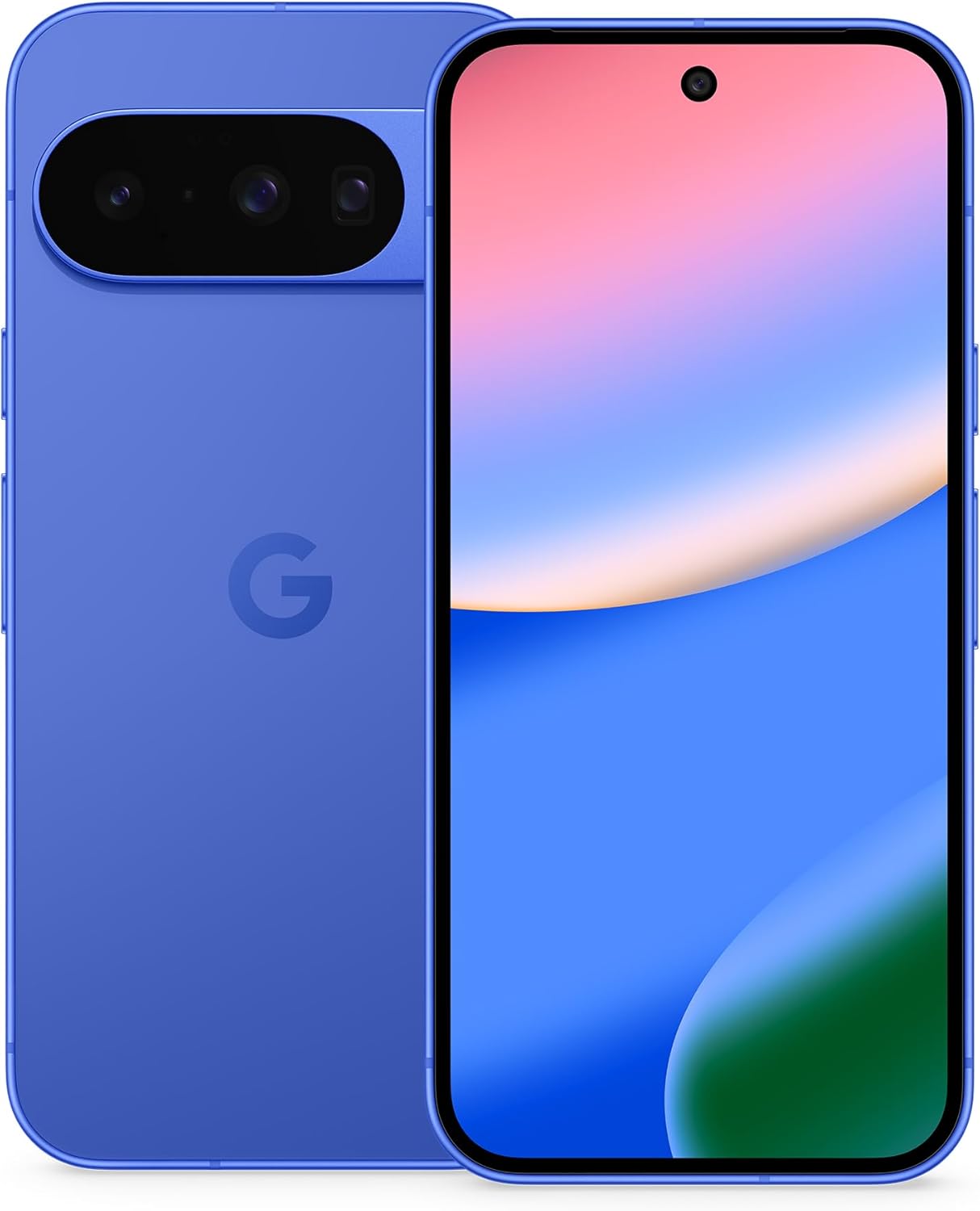 Google Pixel 10 — From $799. Titan M2 secure chip, HCE for enterprise access, Google Pay cloud-linked tokens, 7-year update guarantee.
— Check Price on Amazon
Google Pixel 10 — From $799. Titan M2 secure chip, HCE for enterprise access, Google Pay cloud-linked tokens, 7-year update guarantee.
— Check Price on Amazon
Quick Decision Guide
| Your Priority | Recommended | Why |
|---|---|---|
| NFC transit with dead battery | Apple Pay | Power Reserve Express Cards |
| Strongest payment key isolation | Apple Pay | SEP-bound DAN, no cloud dependency |
| Enterprise access via HCE | Google Pay | HCE API, no Apple Pay dependency |
| Remote token revocation (MDM) | Google Pay | Cloud-linked token, OTA revocation |
| Digital car key (passive entry) | Apple Pay | UWB + CCC 3.0 |
| Third-party NFC apps | Google Pay | Open HCE API |
Related Comparisons
- iPhone 17 Pro vs Pixel 10 — the full phone-level security comparison
- Contactless Card vs Mobile Wallet — plastic card vs phone for NFC payments
- HCE vs Secure Element — the two NFC payment implementation models
- NFC vs QR Code — how both mobile wallets compare to QR-based payment
Summary
Google Pay maximizes flexibility. HCE enables enterprise access control and third-party NFC apps. Cloud-linked tokens enable instant MDM revocation. The trade-off: no Power Reserve NFC, and the token has a network dependency that Apple's DAN does not.